Guide · NovaStar · Processors
Which NovaStar processor do I need?
Count the pixels first, then the price. Four of our own walls, from 1.2 to 10.6 million pixels, worked through.
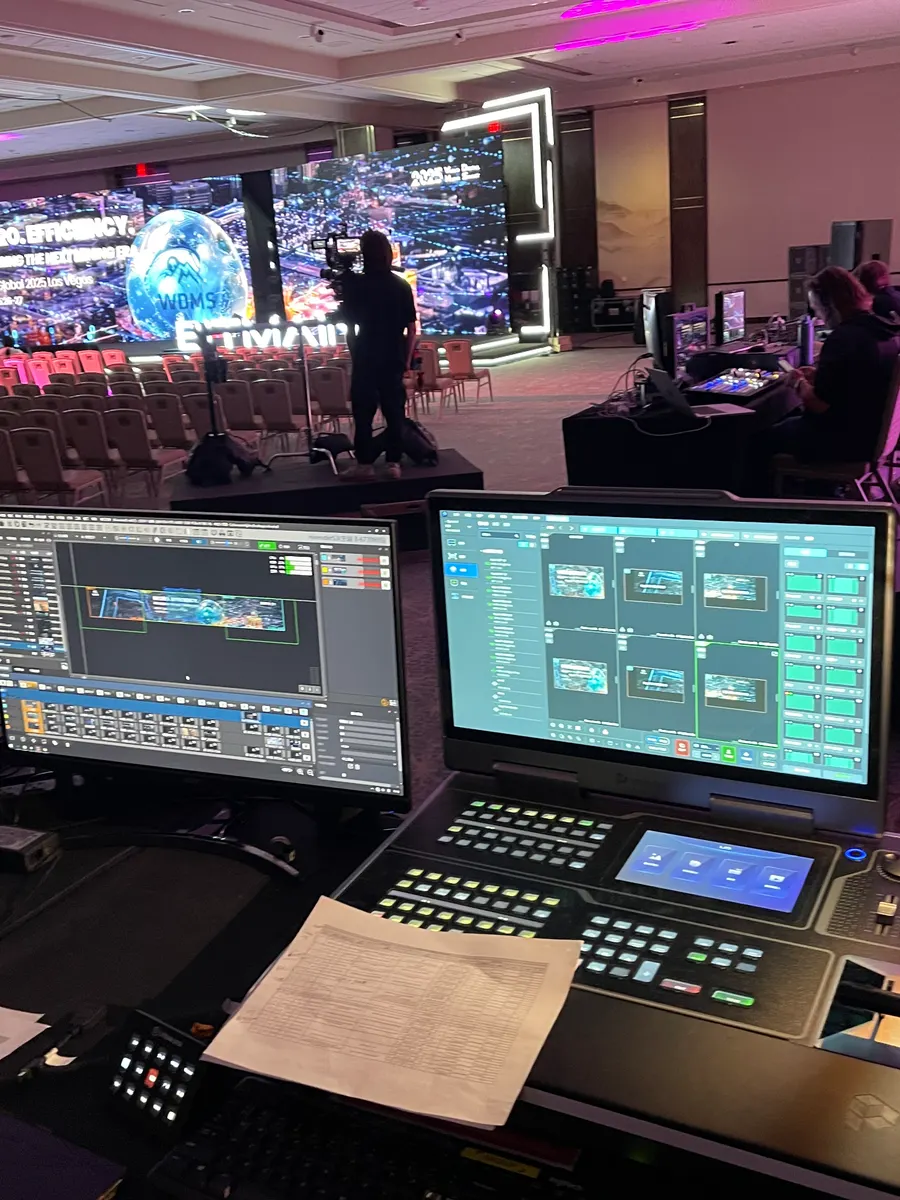
Choose a NovaStar processor by the pixel count of the finished wall, including anything phase two will add, and compare it with the model’s rated loading capacity. A P2.5 cabinet of 640 × 480 mm carries 49,152 pixels, so a wall of 24 cabinets is about 1.2 million pixels, 72 cabinets about 3.5 million and a 4K wall 8.3 million. In PixelPro Productions’ projects that meant a VX400 (rated 2.6 million) for Live Oak UCC’s two small screens, an MX30 (6.5 million) for a 72-cabinet church wall in Los Angeles, and two MX40 Pro (9 million each) for a 10.6-million-pixel wall at San Diego Comic-Con. After capacity, decide on inputs, distance from the wall, and whether the show needs a spare.
How to choose, in five questions
The budget does not decide it; the wall does. We answer these in order:
- How many pixels? Cabinets across × cabinets high × pixels per cabinet. Add what phase two will add, then compare with the rating.
- What goes in? An all-in-one VX processor switches and scales several sources. The KU20 is single-layer with no genlock: fine for signage, wrong for a stage.
- How far is the wall? Over a long run the CX40 Pro’s 40G optical path is the answer; in one room it is an expensive way to buy 4K.
- Will it grow, or must it never stop? The modular MX2000 Pro and MX6000 Pro take cards, so they can be re-carded or given card-level redundancy.
- Is it a live show? At Comic-Con two of the four MX40 Pro processors stood by as hot backups.
1. 1.2 million pixels: a VX400 at Live Oak UCC, Brea
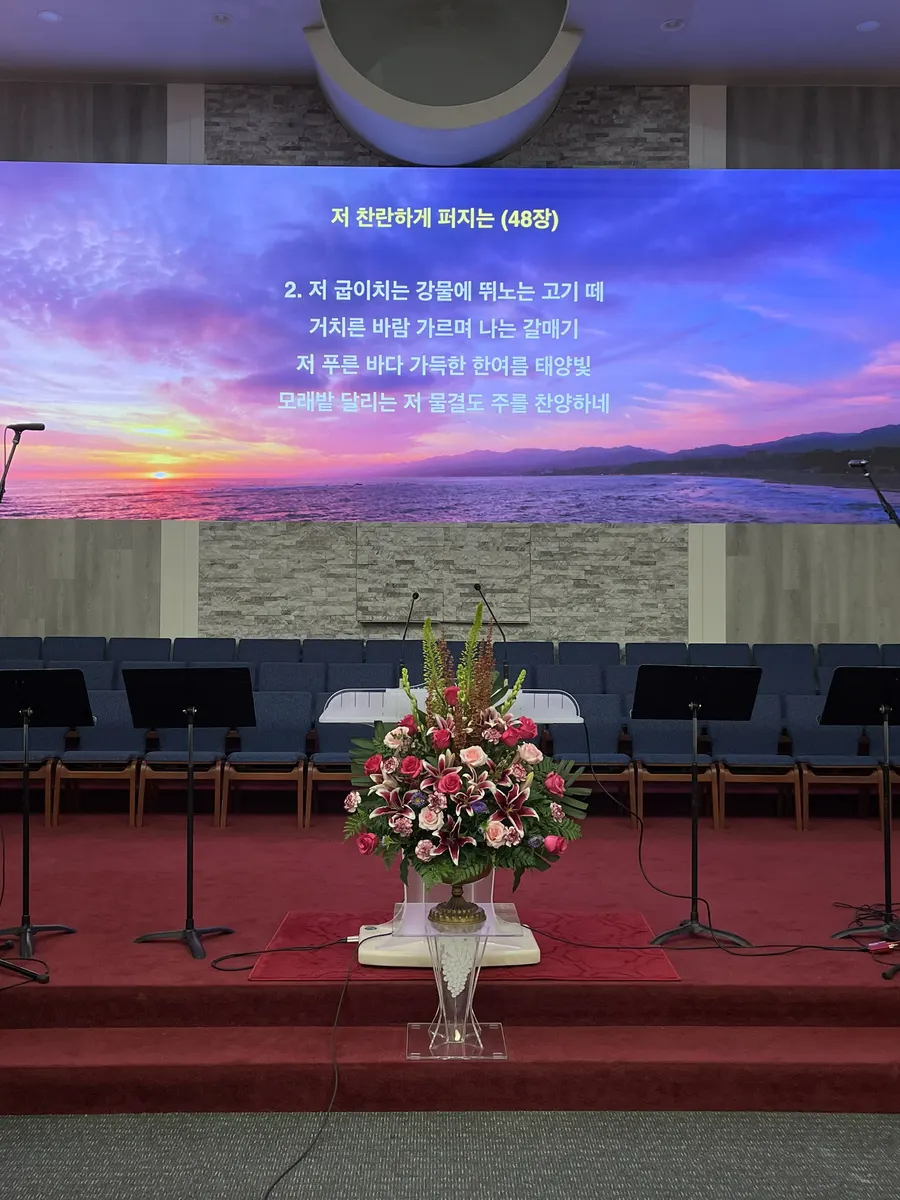
Two screens of 4 × 3 P2.5 cabinets are 24 cabinets, about 1.2 million pixels. The VX400 is rated at 2.6 million across four Ethernet ports and is an all-in-one controller, so one unit drives both screens with room to spare. Published at $1,291, it was the right size for a church that brought the whole upgrade in under $30,000.
2. 3.5 million pixels: an MX30 in downtown Los Angeles
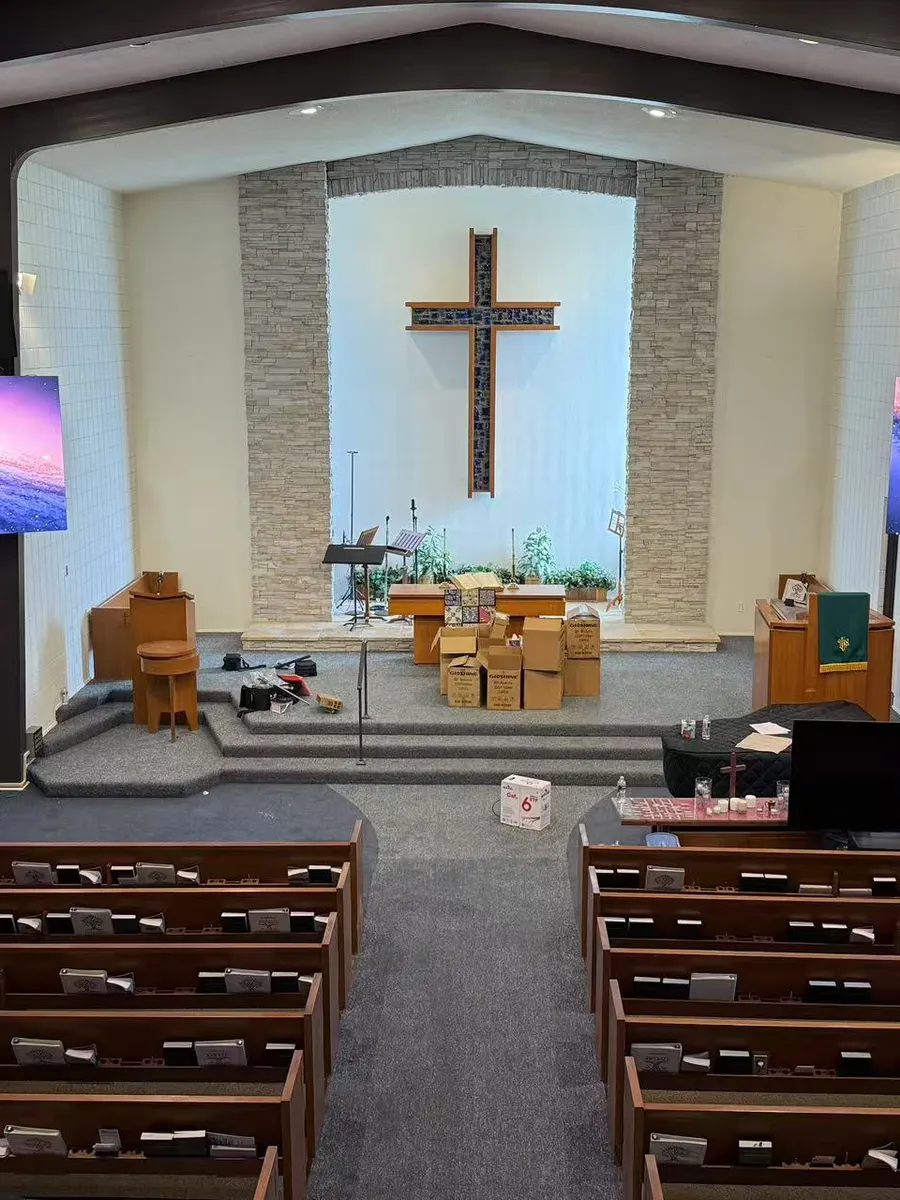
A wall of 12 × 6 P2.5 cabinets is 72 cabinets, about 3.5 million pixels. The MX30 is rated at 6.5 million across 10 Gigabit Ethernet and 2 × 10G optical ports, so it carries the wall with headroom. The trap with the MX30 is a wall that is about to grow: a second MX30 plus the genlock work costs more than one MX40 Pro would have.
Two screens can share one processor too. At a church in Irvine the two screens total about 4.1 million pixels and one NovaStar VX1000 drives both, so they always show the same picture.
3. 10.6 million pixels: two MX40 Pro at San Diego Comic-Con
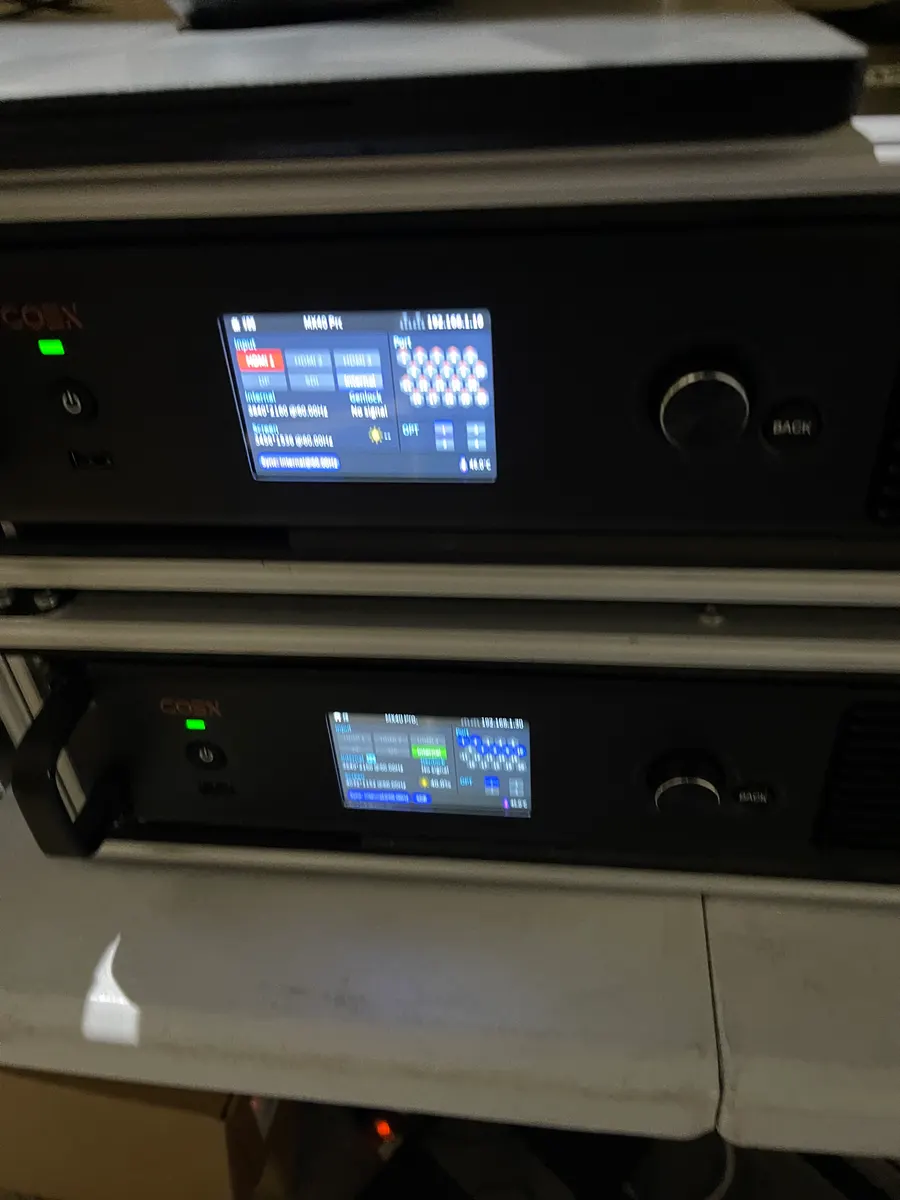
The Comic-Con wall was 9216 × 1152 pixels, about 10.6 million: more than one MX40 Pro’s 9 million. So the wall runs in two halves, one MX40 Pro each, with two more standing by as hot backups, all on fibre.
Splitting a wall across processors brings its own problem: in testing the halves drifted out of frame sync and the picture tore at the seam. We locked both to a sync generator, the same way we run our virtual production stage, and the tearing stopped.
Rated capacity and price, smallest to largest
- VX400: 2.6 million pixels, 4 Ethernet: small screens, all-in-one switching; $1,291 (VX processors)
- MX20 / KU20: 3.9 million pixels: one conference room or retail window (MX20, $1,667); signage with no scaling (KU20, $927) (MX20)
- MX30: 6.5 million, 10 × 1G + 2 × 10G optical: meeting rooms, small sanctuaries, lobby walls; $2,584 (MX30)
- MX40 Pro: 9 million, 20 × 1G + 4 × 10G optical: serious fixed 4K: lobbies, sanctuaries, retail flagships; $8,868 (MX40 Pro)
- CX40 Pro: 9 million, 40G optical: when the processor is far from the wall; $8,048 (CX40 Pro)
- MX2000 Pro / MX6000 Pro: modular, up to 35.38 / 141 million: growing or 8K walls, card-level redundancy; $4,417 / $8,600 (MX6000 Pro)
Before you order
Ratings are the vendor’s published maximum loading capacity; we read them from NovaStar’s own specification documents. Leave headroom, and check the cabinet’s pixel count against the receiving card it uses.
Send us the cabinet model and the layout, cabinets across and high, and what phase two will add. We will do the arithmetic against your numbers, tell you which model and put it in writing before you buy.
Questions about NovaStar processors
Which NovaStar processor do I need for a 4K LED wall?
A 3840 × 2160 wall is about 8.3 million pixels. That is within the MX40 Pro’s rating of 9 million and above the MX30’s 6.5 million, so for a single 4K wall the MX40 Pro is the usual choice. If the processor sits far from the wall, the CX40 Pro has the same rating over a 40G optical link.
Can one NovaStar processor drive two LED screens?
Yes, if the two screens together are within its rating. At a church in Irvine two screens totalling about 4.1 million pixels run from one NovaStar VX1000, so they always show the same picture.
What if my wall is bigger than one processor?
Split it across two or more and lock them to one clock. At San Diego Comic-Con a 10.6-million-pixel wall ran on two MX40 Pro, one per half, locked to a sync generator, with two more as hot backups.