Guide · NovaStar · Processors
NovaStar VX1000 or VX1000 Pro?
Published
The same wall, the same ports, one rack unit each. The difference is what you plug in.
The NovaStar VX1000 and VX1000 Pro carry the same wall: both are rated at 6.5 million pixels, up to 10,240 pixels wide or 8,192 high, on 10 Gigabit Ethernet ports plus two 10G optical ports, and both work as a controller, a fiber converter or in bypass. The difference is the inputs. The VX1000 Pro has an HDMI 2.0 input that takes 4096 × 2160 at 60 Hz (8-bit), a USB 3.0 port that plays images and video from a drive, and six 2K layer resources; it has no DVI. The VX1000 takes two HDMI 1.4 inputs, at most 3840 × 1080 at 60 Hz or 3840 × 2160 at 30 Hz, two DVI inputs and one 3G-SDI, with three layers. Both are 1U. The VX1000 is set up in NovaLCT, an engineer’s tool; the Pro can also be run from the Unico web page in a browser or the VICP app, which in our experience is easier than NovaLCT, though far less capable than VMP on the COEX controllers. The VX1000 is $2,067; the Pro is quoted. PixelPro Productions has both in stock in Anaheim.
Have a project in mind? Send us the details, or call.
How to choose, in five questions
Capacity is identical, so start with the sources:
- Does a source arrive at 4K and 60 Hz? Only the Pro’s HDMI 2.0 input takes 4096 × 2160 at 60 Hz. The VX1000’s HDMI 1.4 stops at 3840 × 1080 at 60 Hz or 3840 × 2160 at 30 Hz.
- Do any sources use DVI? The VX1000 has two DVI inputs; the Pro has none, so a DVI source would need an adapter.
- How many pictures at once? The VX1000 has three layers. The Pro has six 2K layer resources: a 4K layer uses four of them, a 4K × 1K layer two.
- Does the screen need to play on its own? The Pro’s USB 3.0 port plays images and video from a drive, with no computer attached.
- Who will run it after we leave? The VX1000 is set up in NovaLCT, an engineer’s tool. The Pro adds the Unico web page, opened in a browser, and the VICP app. In our experience Unico is easier than NovaLCT, but it does far less than VMP on the COEX controllers.
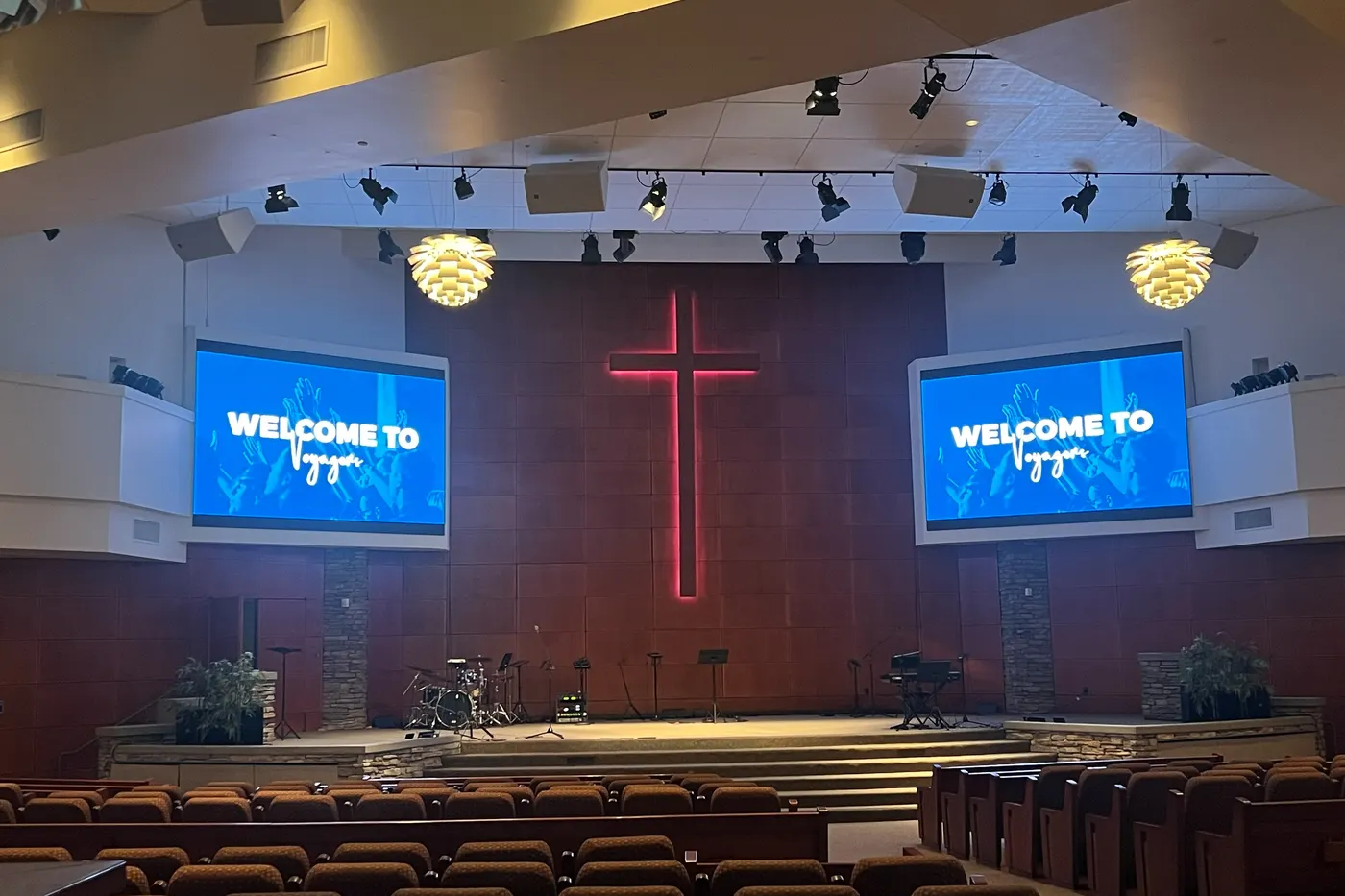
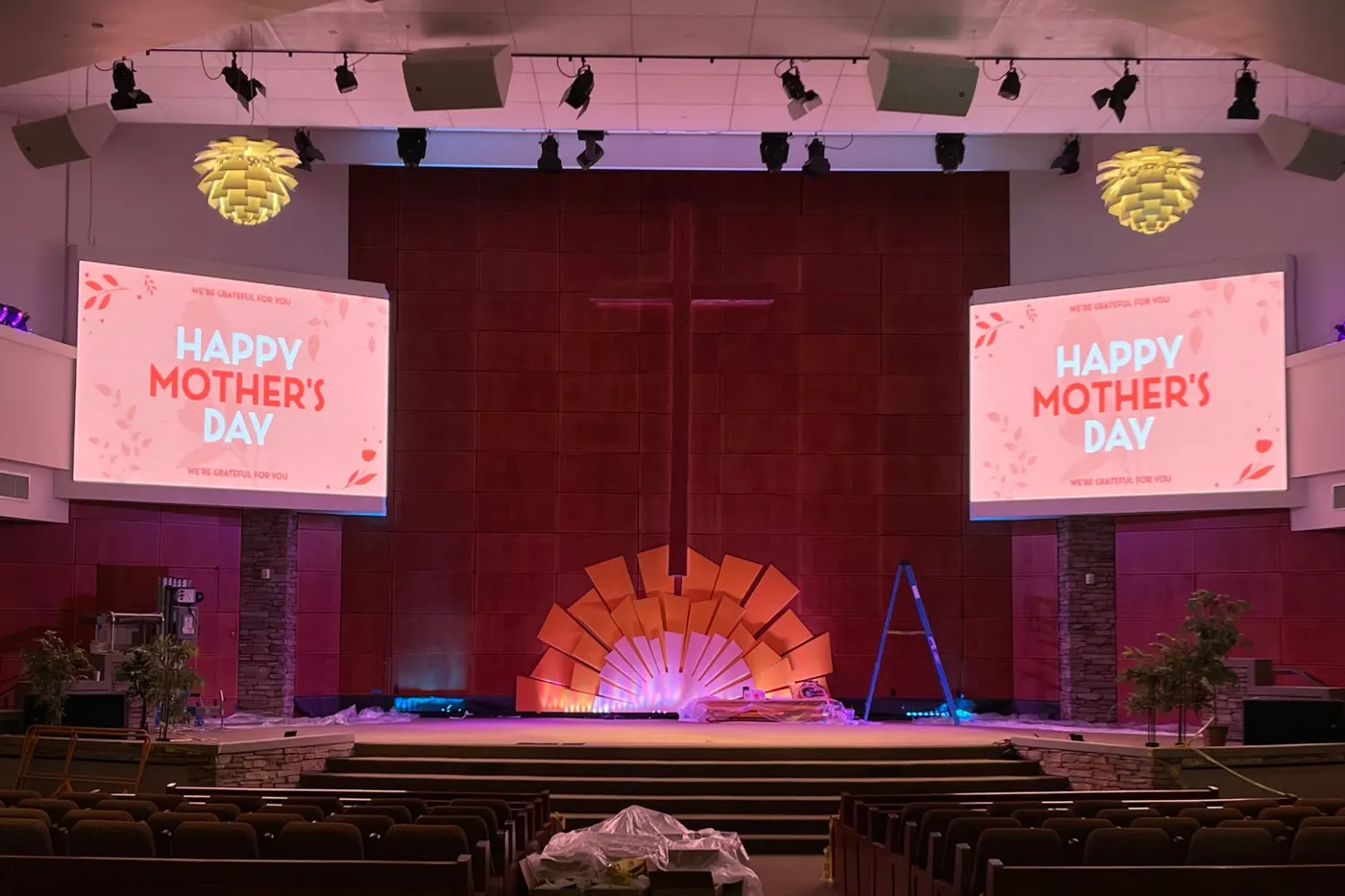
1. A VX1000 on two church screens: Irvine
Two screens of 7 × 6 P2.5 cabinets are 84 cabinets, about 4.1 million pixels. One VX1000 drives both from a single 1U box, so they always show the same picture.
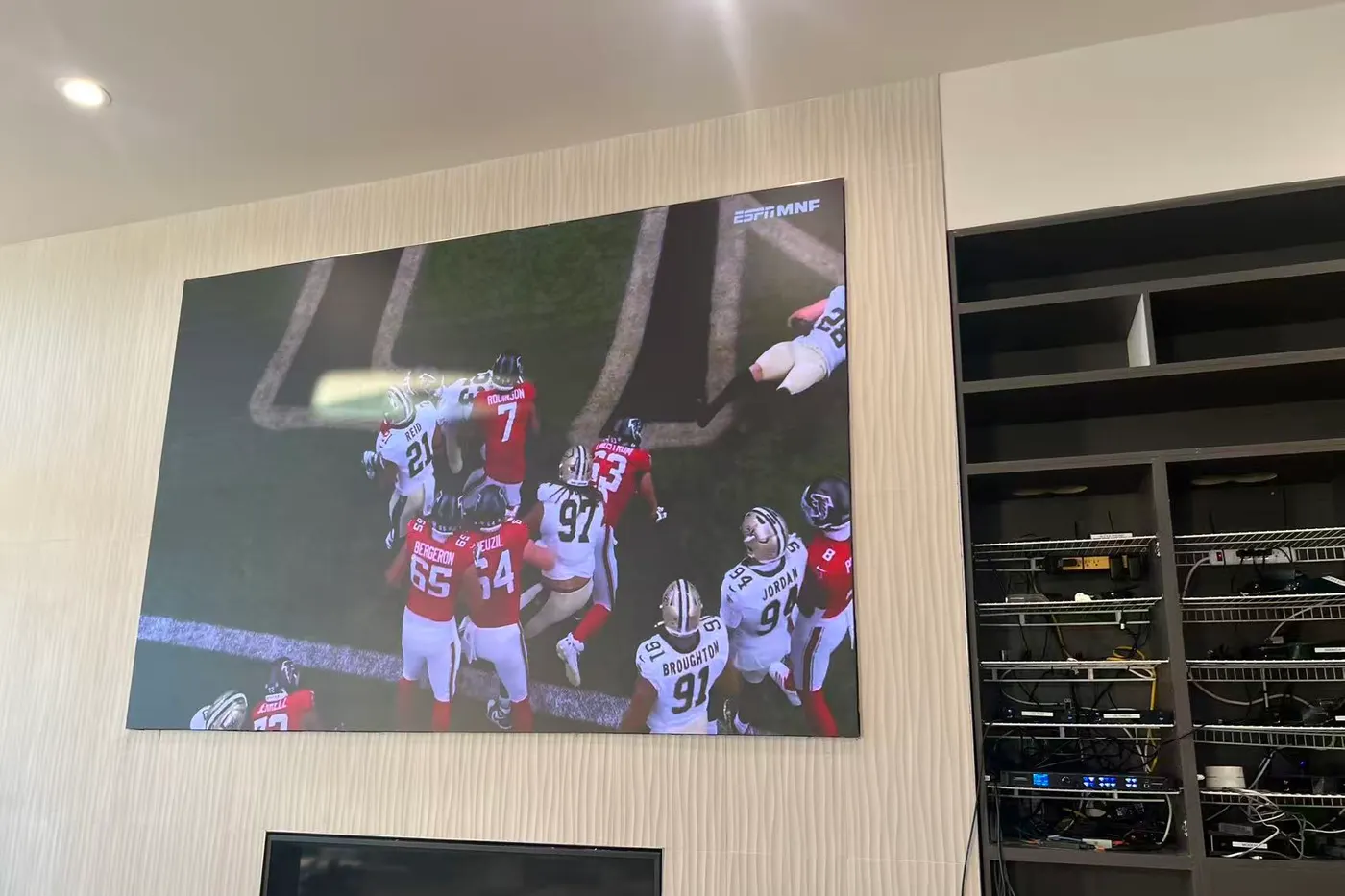
2. The Pro line at home: Redondo Beach
A living-room wall in Redondo Beach, 2400 × 1600 pixels on P1.25 COB, runs on a VX600 Pro: the smaller sibling of the VX1000 Pro, with the same HDMI 2.0 input. Its source is an Apple TV over HDMI.
Side by side, from NovaStar’s documents
- Loading capacity: both 6.5 million pixels, up to 10,240 × 8,192 px, on 10 Gigabit Ethernet + 2 × 10G optical (VX1000 Pro)
- HDMI: VX1000: 2 × HDMI 1.4, up to 3840 × 1080 @ 60 Hz or 3840 × 2160 @ 30 Hz. Pro: 1 × HDMI 2.0 up to 4096 × 2160 @ 60 Hz (8-bit), plus 2 × HDMI 1.3 (VX1000 Pro)
- Other inputs: VX1000: 2 × DVI, 1 × 3G-SDI. Pro: 1 × 3G-SDI, USB 3.0 playback, no DVI (VX1000)
- Layers: VX1000: 3. Pro: 6 × 2K layer resources (VX1000 Pro)
- Box: VX1000: 1U, 351.2 mm deep, 4 kg, 35 W, 0–45 °C. Pro: 1U, 302.2 mm deep, 3.9 kg, 43 W, 0–50 °C (VX1000)
- Control: VX1000: NovaLCT. Pro: front-panel knob, NovaLCT, Unico web page or VICP app. In our experience Unico is easier than NovaLCT, far less capable than VMP (MX30 or VX1000 guide)
- Price: VX1000 $2,067; VX1000 Pro on quote. Both in stock in Anaheim (prices)
Before you order
Figures are NovaStar’s: the VX1000 All-in-One Controller Specifications V1.6.0 and the VX1000 Pro All-in-One Controller Specifications V1.0.1. Check each source’s resolution, refresh rate and connector against the inputs above.
On software, in our experience: NovaLCT is an engineer’s tool, the Pro’s Unico web page is easier, and VMP on the COEX controllers is the most complete and the friendliest to a new user. If volunteers or office staff will run the screen, read our MX30 or VX1000 guide.
Send us the cabinet layout and a list of what plugs in. We will tell you which one, in writing, before you buy.
Questions about the VX1000 and VX1000 Pro
Does the VX1000 Pro take 4K at 60 Hz?
Yes, on its HDMI 2.0 input: 4096 × 2160 at 60 Hz with 8-bit color; at 10- or 12-bit, 4K runs up to 30 Hz. The VX1000’s HDMI 1.4 inputs take 3840 × 1080 at 60 Hz or 3840 × 2160 at 30 Hz.
Can the VX1000 Pro drive a bigger wall than the VX1000?
No. Both are rated at 6.5 million pixels on 10 Gigabit Ethernet ports, up to 10,240 pixels wide or 8,192 high. Choose between them on inputs, not on wall size.
Is the VX1000 Pro easier to operate?
Somewhat. Besides NovaLCT, the engineer’s tool both models use, the Pro can be run from the Unico web page in a browser or the VICP app. In our experience Unico is easier than NovaLCT, but it has far fewer functions than VMP, the graphical software on NovaStar’s COEX controllers such as the MX30.
What does the VX1000 have that the Pro does not?
DVI. The VX1000 has two DVI inputs with loop out; the VX1000 Pro has none.
Get a quote or order
Price, stock and shipping confirmed within one business day.
