Guide · Churches · Livestream
What does a church livestream need?
Published
Not the most cameras: cameras in the right places, and a system one volunteer can run. Two church systems we installed.
In this guide
A church livestream needs cameras placed for the way the service actually runs, a switcher that brings them together, presets so a volunteer can change shots with one button, clean cabling back to the control desk, and the sound fed from the sound desk rather than from the cameras. At a Korean church in Glendale, PixelPro Productions installed four 4K PTZ cameras through a Roland V-160HD switcher to YouTube, with presets for the church’s real scenes; the whole room, including an LED wall, sound and lighting, took two weeks on site. At Good Stewards Church in West Covina the existing cameras, from different brands and years, were kept: each got a new 12G-SDI and Cat6 run to a new control room and was commissioned into the new system. We quote a livestream by the number of cameras, where they go and what can be reused.
Have a project in mind? Send us the details, or call.
What to settle before choosing cameras
Start from the service, not the equipment list. Six questions decide the system:
- How does your service run? Where the pastor preaches, where the worship team stands, what happens at baptisms or communion. Every moment the stream should show is a shot, and every shot needs a camera position.
- How many shots do you need at the same time? That is the number of cameras. In Glendale, four cameras cover the church’s real scenes.
- Who will run it on Sunday? PTZ cameras with presets let one volunteer move between shots with one button; cameras with an operator each need a person behind them.
- How far is each camera from the desk? Long runs need the right cable. At Good Stewards every camera got a new 12G-SDI and Cat6 run, which fixed the old HD system’s problems and is ready for 4K.
- Where does the sound come from? The stream should take its sound from the sound desk, not from a camera microphone, or the people at home hear the room instead of the service.
- What do you already have? Cameras you own can often stay. At Good Stewards cameras from different brands and years were reinstalled and commissioned into the new system.
1. Four PTZ cameras, set up for how the church runs: Glendale
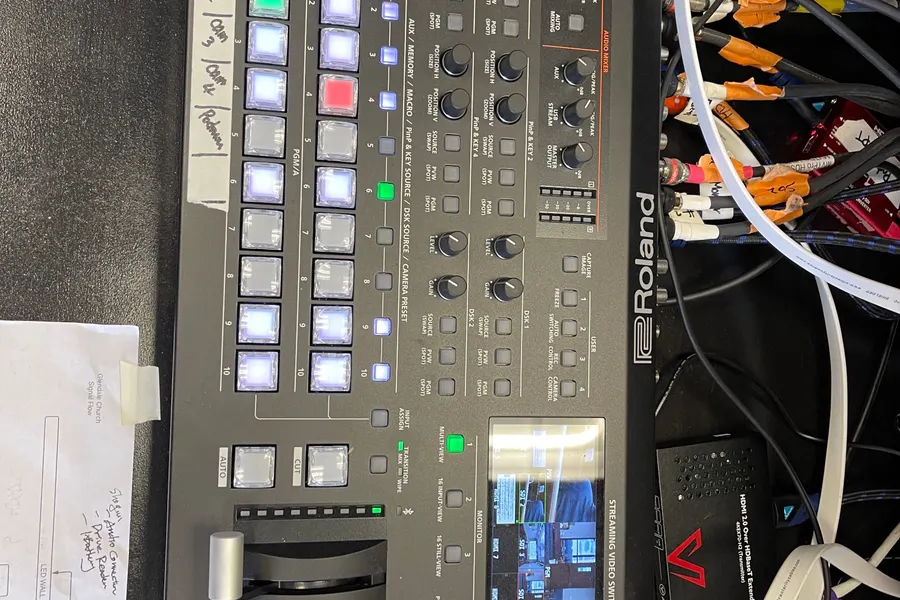
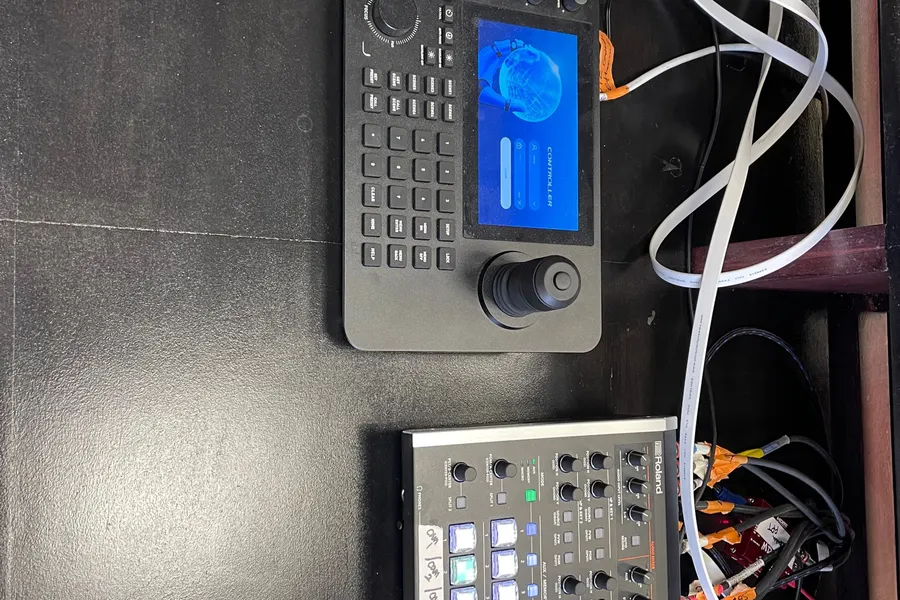
A Korean church in Glendale asked for its whole sanctuary at once during a renovation: LED wall, sound, lighting and a livestream for the members who watch from home. The livestream runs on four 4K PTZ cameras through a Roland V-160HD switcher to YouTube.
Where each camera goes, what each one is for and which model suits each position came from sitting down with the church’s own team to learn how they run a service. Once installed, each camera was given presets for the church’s real scenes, so an operator moves between them with one button.
2. Keep the cameras, give them a better backbone: Good Stewards, West Covina
Good Stewards Church planned its LED wall, video, lighting and cameras as one upgrade, and moved its video control room to the other side of the room.
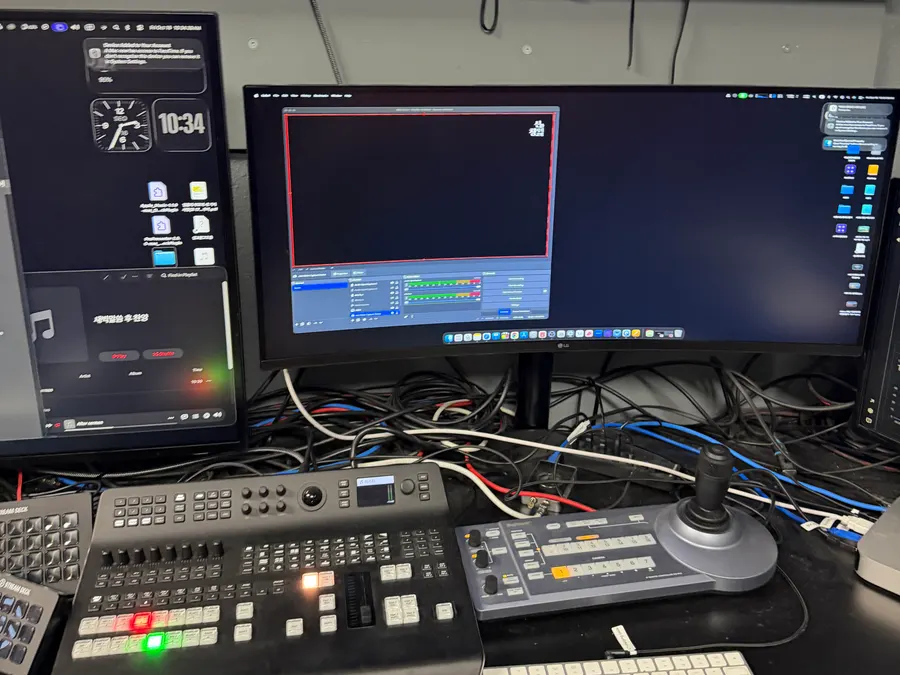
The cameras stayed. Each one, from a different brand and year, got a new 12G-SDI and Cat6 run to the new control room, which fixed the problems in the old HD system and puts the cabling in place for a later move to 4K. After the wall went up, every camera was reinstalled and commissioned into the new system.
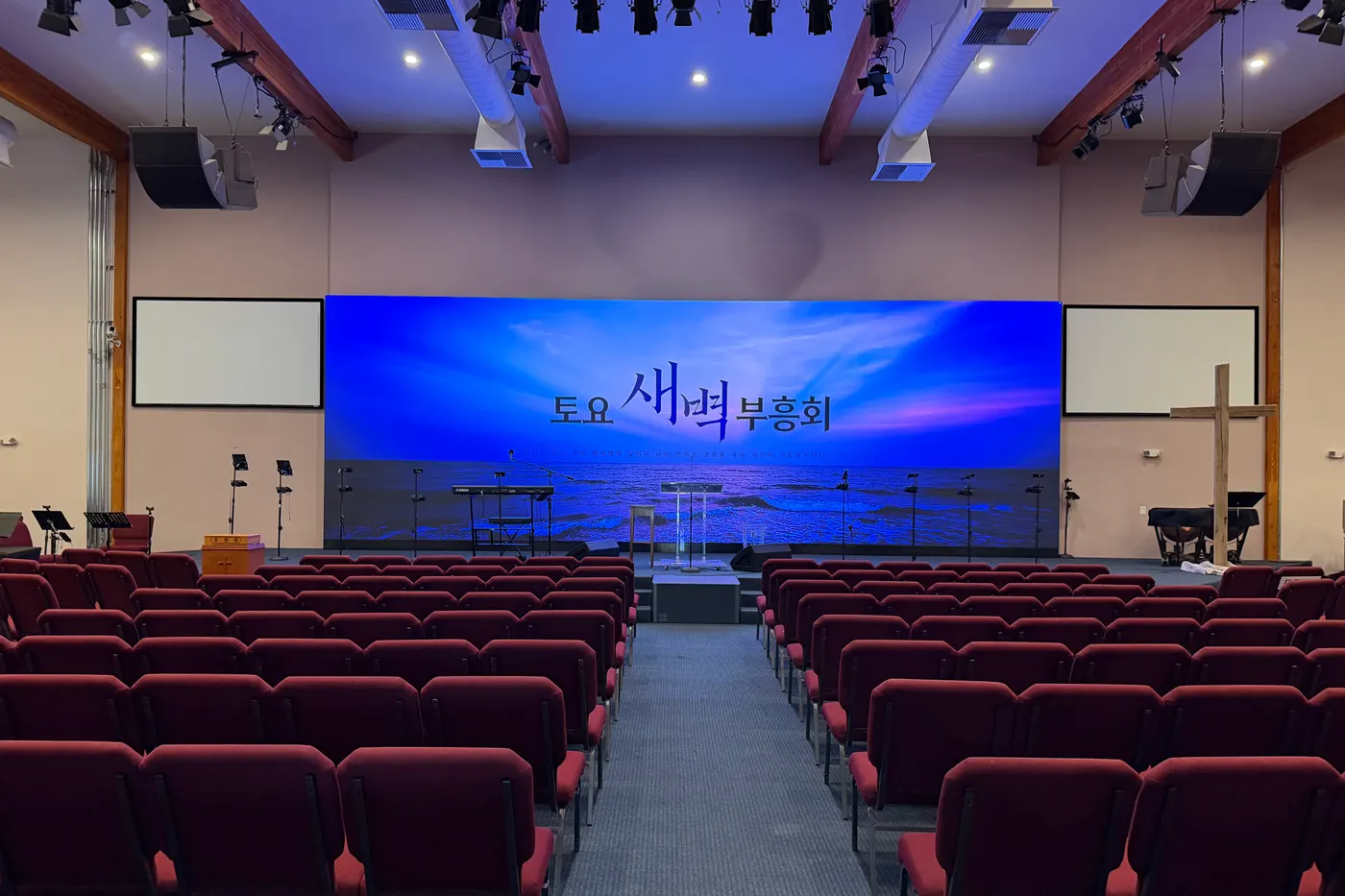
Two church systems side by side
- Four 4K PTZ cameras, Roland V-160HD switcher, YouTube: Presets for the church’s real scenes, one button per shot (Church in Glendale)
- Existing cameras kept, new 12G-SDI and Cat6 to a new control room: Mixed brands and years, commissioned into one system (Good Stewards, West Covina)
What it costs
We quote a church livestream by the number of cameras and where they go, the cable runs back to the desk, and what you already own that can stay.
Send us a few photos of the room from the back and from the stage, and tell us who will run the stream on Sunday. That is enough to start.
Questions about church livestreams
How many cameras does a church livestream need?
As many as the shots you need at the same time. A Korean church in Glendale runs its YouTube livestream on four 4K PTZ cameras through a Roland V-160HD switcher, placed for the way its service runs.
Can volunteers run a church livestream?
Yes, if the cameras have presets. In Glendale each PTZ camera has presets for the church’s real scenes, so one operator changes shots with one button.
Can we keep our existing cameras?
Often, yes. At Good Stewards Church in West Covina the existing cameras, from different brands and years, were kept: each got a new 12G-SDI and Cat6 run to a new control room and was commissioned into the new system.
Get a quote
Three fields. We reply with a written quote.
